BYOD (Bring Your Own Device)

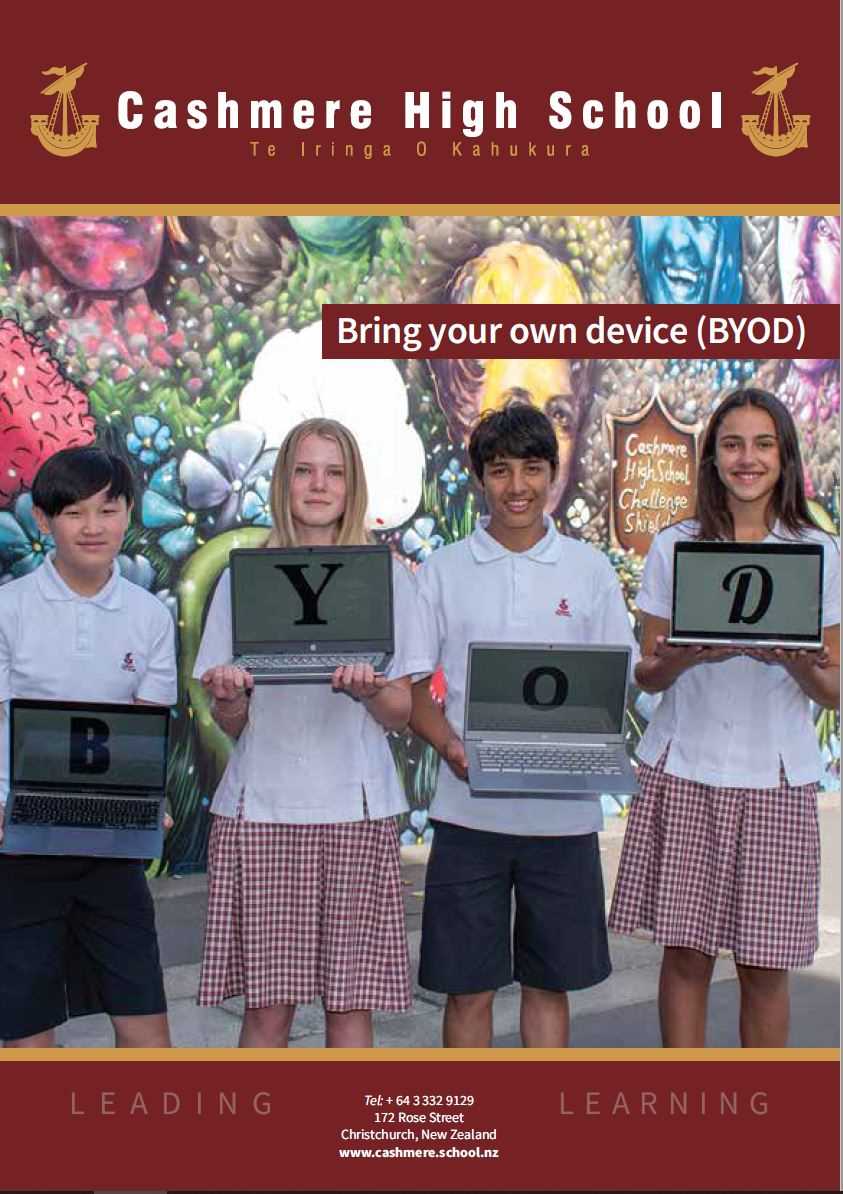
Cashmere High School is a high achieving learning environment where students will use digital tools to access, contribute to and collaborate on enriched learning resources in the classroom. Therefore all students are required to bring a personal computing device (BYOD*) to school to support their learning.

To prepare our students for a meaningful life beyond school, we embrace devices as a tool for personal growth and mahi tahi (collaboration). Developing digital literacy and responsible tūrangawaewae (citizenship) empowers our learners to build strong connections, explore diverse opportunities, and make a positive contribution to both our local and global communities.

*BYOD = Bring your own device - please note this device will be monitored while connected to our school network as per our CHS Responsible ICT User Agreement.

Device Recommendations

While there is no one device that is suitable for all students we recommend that students bring either a MacBook or a Windows laptop as their digital learning device. Any device that a student brings must have an integrated keyboard. 

Chromebooks may be appropriate for Junior students (Year 9) but may not support the higher-specification software required in senior or specialized courses. Consequently, tablets (iOS and Android) are not recommended.

Cashmere High School has partnered with Cyclone Computers to provide whānau with access to devices that are specified to meet learning requirements and ensure reliable performance. Parents are expected to make their own choice regarding purchase, insurance and maintenance of the device. For help in choosing a devices we have provided some specifications. See the below BYOD Flyer:


Minimum Device Specifications

  • Windows/Mac OS Laptop with integrated keyboard
  • Memory - Minimum 8GB RAM
  • Storage - Minimum 256GB hard drive - SSD recommended
  • Screen - 11” or larger
  • Connectivity - Wi-Fi 6 (or later) at 5GHz to ensure reliable connectivity.
  • Battery Life - Minimum 5-8 hours - must be able to last the day without recharging
  • Portability - consider a lightweight and durable device
  • Software - Classroom use will be primarily cloud-based, Google applications - no need to purchase additional software

Responsible Use and Cybersecurity

Our students are working in a digital environment both at school and at home. Responsible use of these environments and the technology used to access them is a collective responsibility.
Students will have signed CHS Responsible Use of ICT agreement upon enrolment and must adhere to this while accessing our network. 


Separating Home-School on your device

​​​​​​​We recommend that students create separate accounts on their device: one for home use and another for school. This is especially important for Chromebooks, as restrictions will apply to the school account even when connected outside of school.

VPN (virtual private network) Use:
VPNs are not permitted on BYOD devices  or any device connected to the school network. Some antivirus software contains VPNs. Please ensure that these VPNs can be turned off before purchasing or installing them on BYOD devices as they are likely to cause wifi issues.
​​​​​​​

Device Set-up Information

All Year 9 students will have a BYOD orientation as part of the first day at school. Other students new to school will be given login information upon starting. 

The information buttons below will assist is accessing resources available through the school:

Resources for Whānau

Both the Ministry of Education and Netsafe have resources available to help support whānau working with some of the key challenges our young people face online. See the below guides:

Ministry of Education Advice and Guidance

Netsafe Digital Guardian Guide


No device? We can help
We don't want cost to be a barrier to learning. If your whānau is finding it difficult to purchase a device, the school has school-owned BYOD devices available. Please contact your child's Head of School for a confidential chat.